English Scavenger Hunt for Kids in the Classroom
 Use this template, free
Most ESL scavenger hunts online are printable worksheets: you print a list of classroom objects, the students tick each one when they find it, and you check every sheet by hand afterwards. This hunt does the same job on a phone. Each team sees one step at a time, takes a photo of what it finds or types its answer, and the next step only opens when the answer is right. You do not check anything during the lesson.
How this English scavenger hunt for kids works
The students play in teams, one phone or tablet per team. The first step tells the story and the rules: work with your team, use one phone, stay in the classroom, and walk, do not run.
The steps practise words that beginners learn early: colours, numbers, the words on, in and under, and the names of classroom things. Three steps are photos, three are multiple-choice questions and one asks the team to write English words. The phone checks each photo and each written answer. If an answer is not accepted, the team reads the short message and tries again.
Every photo is of things or hands, never faces. The step text tells the students where to point the camera, and the photo check is set to ask for a new photo if a face is clearly in it.
After each step, the Word Monster says something short, such as “Yum! ‘Blue’ tastes good.” At the end, every team walks to you and says the magic words: “Thank you!”
The nine steps of this classroom objects scavenger hunt
- The Word Monster. The story and the rules: one phone per team, stay in the classroom, walk.
- Something blue. The team finds anything blue in the classroom and takes a close photo of it. Any shade of blue counts. No people in the photo.
- Where is the fish? “The fish is ___ the fish bowl.” The team chooses from on, in and under. The answer is in.
- Number seven. Two or more students show the number seven with their fingers, holding their hands over a desk. One student takes the photo pointing down, so only hands are in it. The phone does not count the fingers: any raised fingers from more than one hand are accepted. Saying and showing seven is the English practice.
- Words for the monster. The team writes three different things it can see in the classroom, in English, one word for each thing. For example: door, window, chair. Spelling mistakes are fine when the word is still clear.
- What is it? “You write with it. It is long and thin. Its name starts with P.” The team chooses from pencil, paper and ruler. The answer is pencil.
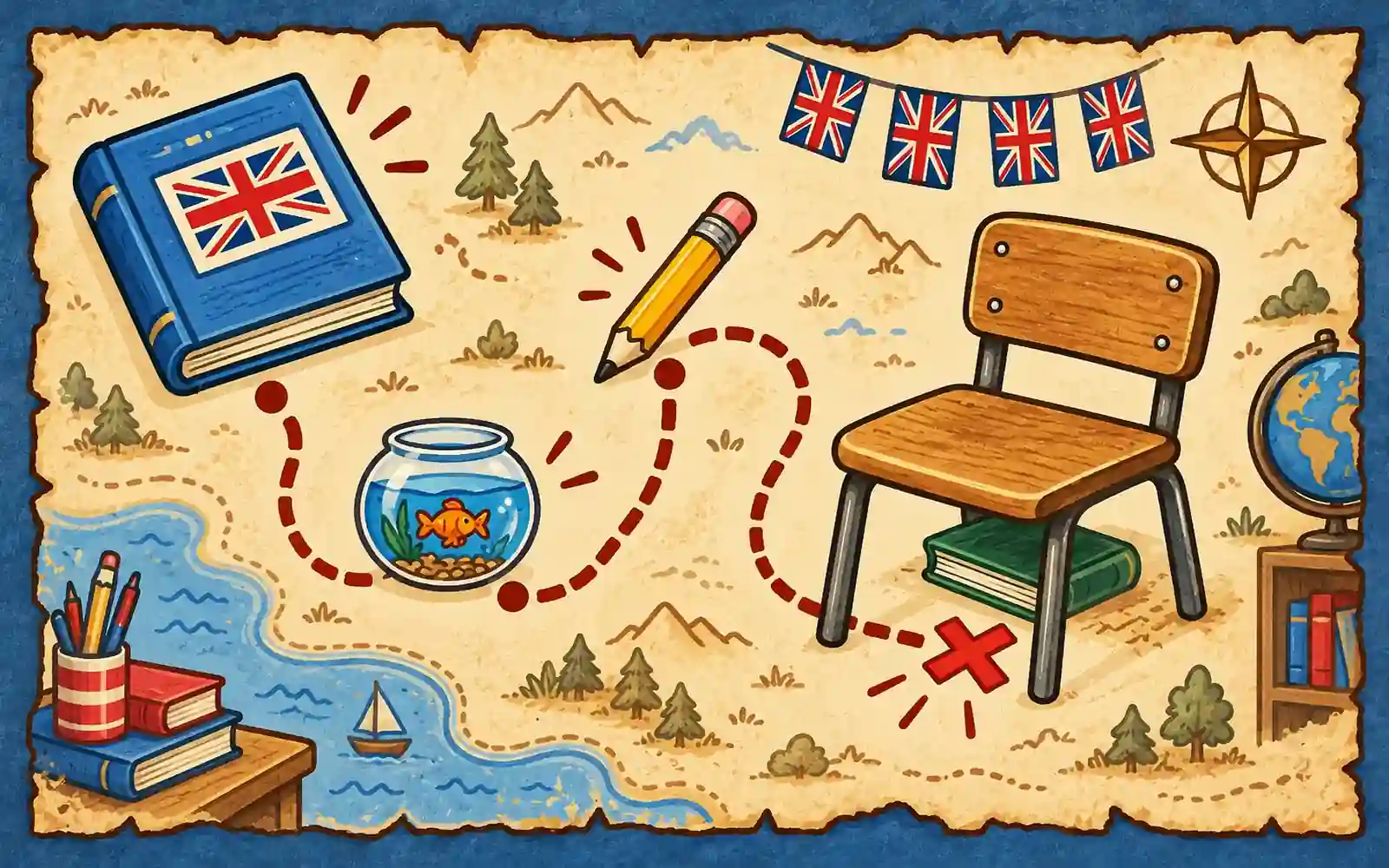
- On and under. The team puts a pencil on a book, then puts the book under a chair. A pen or crayon is fine, any book or notebook is fine, and a table, desk or bench is fine instead of a chair. They move the chair next to a wall and take the photo low down, pointing at the wall, so only the chair and the book are in it. This is the hardest step, and it has two hints.
- The magic words. “When someone helps you, what do you say?” The team chooses from Thank you, Goodbye and Good night. The answer is Thank you.
- The monster is full. The team taps Finish Hunt, walks to you, shows the final screen and says: “Thank you!”
Steps 3 to 8 each have a hint button for when a team is stuck. Easy steps give 10 points, most steps give 20, and the hardest step gives 30. A team that does every step has 130 points.
Not every team gets the steps in the same order. The first step and the last three steps are the same for everyone, and the steps in the middle come in one of three orders, handed out in turn, so teams that start together are rarely on the same step.
What you prepare (about 12 minutes)
- Copy the template with the button on this page, then release it. You do not need to change a word.
- Try it the day before with the test run button in the builder. Use a school device on the school Wi-Fi, and do at least one photo step, so you know the devices and the network work. A test run does not use any of your free phones.
- Make teams of 3 or 4 and give each team one charged phone or tablet. Each team that starts uses one of the hunt’s phones, and 5 phones a month are free. Every class that plays this hunt in the same month shares those 5. With more than 5 teams, make bigger teams or add a phone pack.
- On every team phone, switch the keyboard to English and turn autocorrect off, so the words the students type stay their own.
- Form the teams first, then show the play link’s QR code on the board. Only the student holding each team’s phone scans it, because every phone that joins uses one of your phones.
Running the lesson
Say to the class:
- “Teams of three or four. Your team name is a colour or an animal, not your names. One phone per team. Only the person holding the phone scans the code on the board.”
- “Read each screen together. If you do not understand a word, use the hint button.”
- “Stay in the classroom and walk. Take photos close up. When a photo has people in it, only hands, never faces.”
- “When you finish, tap Finish Hunt, walk to me and show me your final screen. Say the magic words: Thank you! The first team to reach me with full points wins.”
Then watch the order the teams arrive in. The winner is the first team whose final screen shows the full 130 points. Do not use the leaderboard on the phones to pick the winner.
With weaker readers, read step 1 aloud to the whole class before the teams start. With the youngest teams, walk round and read each step with them.
If you play with more than 7 teams, start half of them one minute later, so the first photos do not all arrive at the same moment. Write down when each group started, and take one minute off the late group’s arrival time when you pick the winner.
Make it yours
Everything in the template can be changed in the builder before you release it. The most useful change is to match the words your class is learning right now. Steps 2, 3, 6 and 7 are the ones to change: for example “find something that is food” instead of something blue, or “the cat is ___ the box” instead of the fish bowl. You can edit each step by hand, or ask the builder’s chat to make the change in plain words.
If you change the magic words in step 8, change them in step 9 too, so the ending still makes sense. If you add or remove a step, the full points total is no longer 130, so check the new total with a test run before the lesson.
Questions teachers ask
How do you run a scavenger hunt in an English class? Put the students in teams of 3 or 4, give each team one phone, and show the play link’s QR code on the board. The hunt does the rest: it gives each step in simple English, checks the answers, and tells each team to come back to you at the end. You only watch the order the teams arrive in.
What English does this hunt practise? Colours (something blue), numbers (seven), the words on, in and under, the names of classroom things, reading a short riddle, and the words “thank you”. The students read every step and write three English words themselves.
How long does it take? 15 to 30 minutes. Quick teams of 12-year-olds can finish in about 15 minutes. Younger beginners who read slowly can take about 30.
Do the students need their own phones, or an app? No. Each team shares one phone or tablet, and school devices are fine. The hunt opens in the web browser from a link, so nothing is installed. Every device needs an internet connection, because the answers are checked online. Only you, the teacher, need an account.
Will my students’ faces be in the photos? The hunt is built to keep faces out. Every photo step asks for things or hands only, the step text says where to point the camera, and the photo check is set to ask for a new photo if a face is clearly visible.
How many students can play? Teams of 3 or 4, with one phone per team. Each hunt can be played on 5 phones a month for free, which is 5 teams, or about 15 to 20 students. For a bigger class, make bigger teams or add a phone pack.